Dubbing Download & Review
Last Updated: July 22, 2025
Updated by: GoodDub Support
On this page, you can view the final version of your dubbing and download all files related to your completed dubbing.
Accessing the Dubbing Download and Review Page
When you click the "Download Files" button on the "Watch / Edit Dubbing" page:
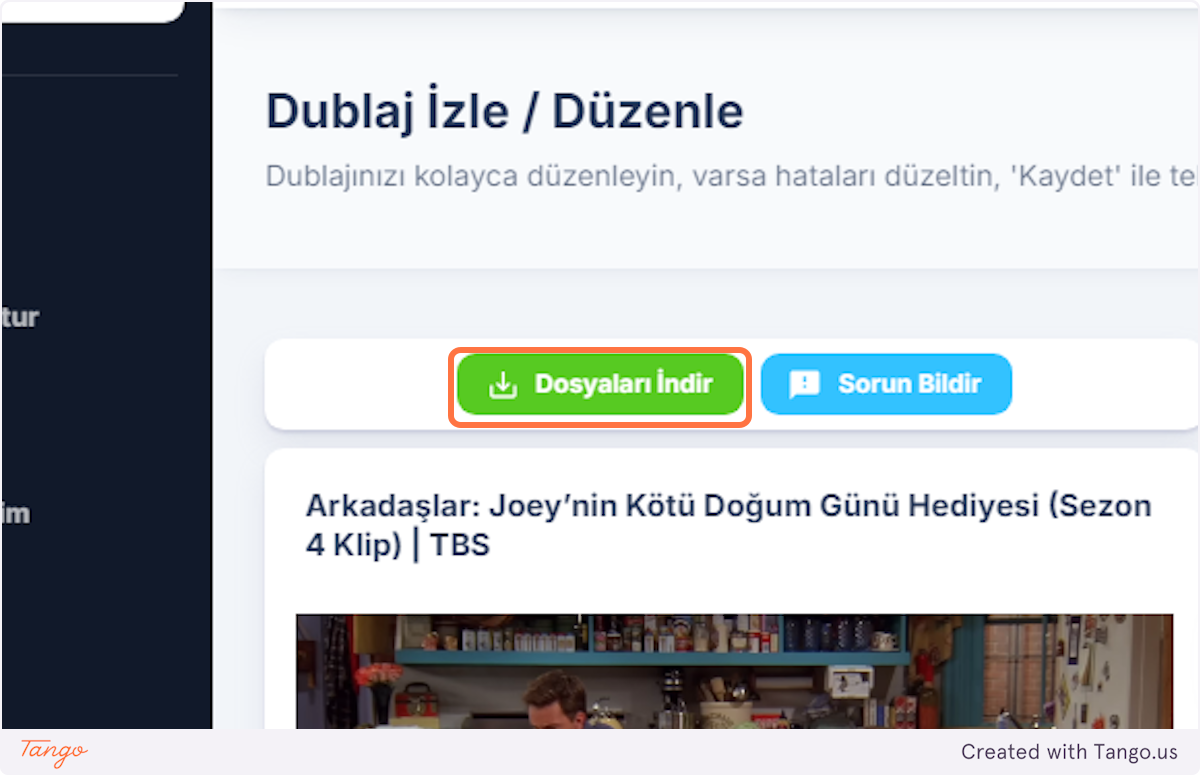
You can access the "Dubbing Download & Review" page.
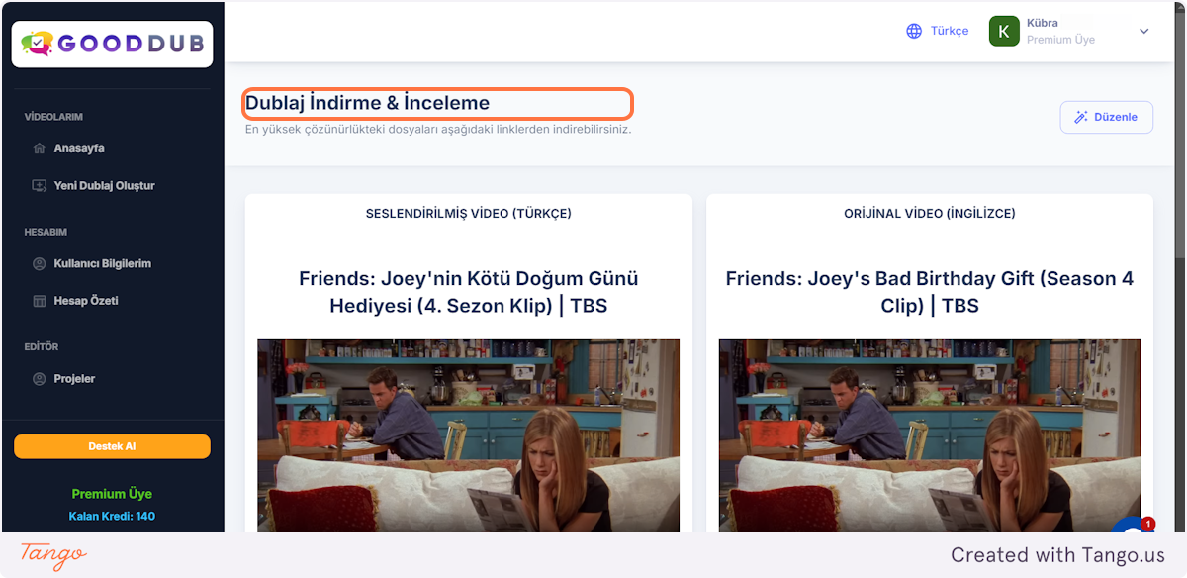
What's on this page?
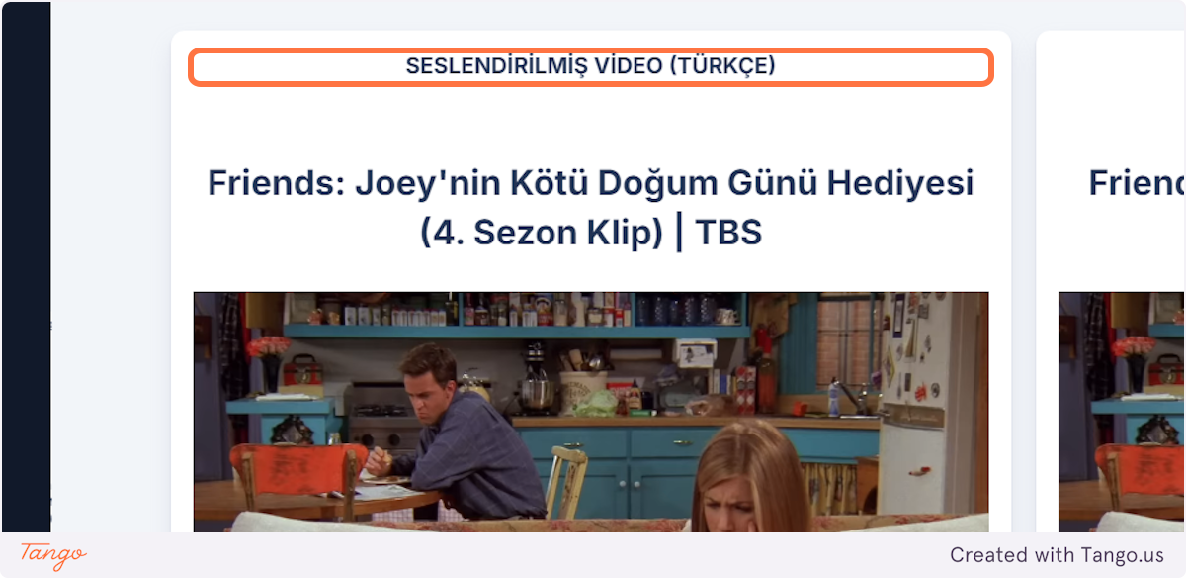
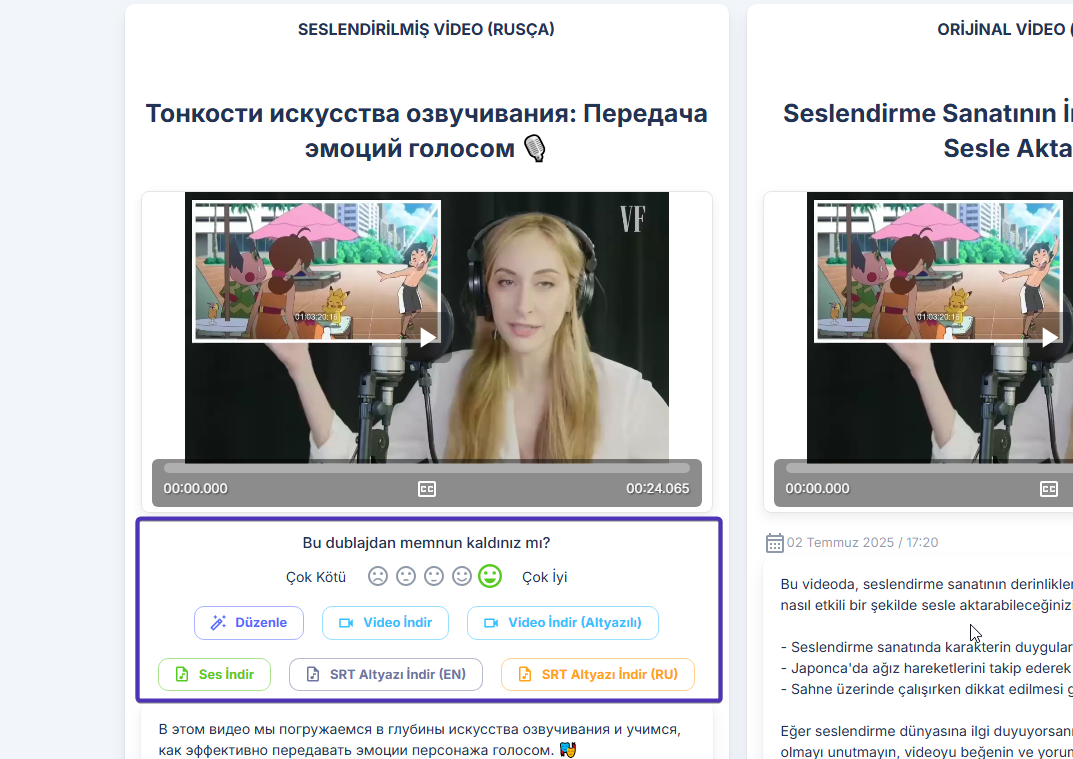
Under the "DUBBED VIDEO" heading, you can view your translated video
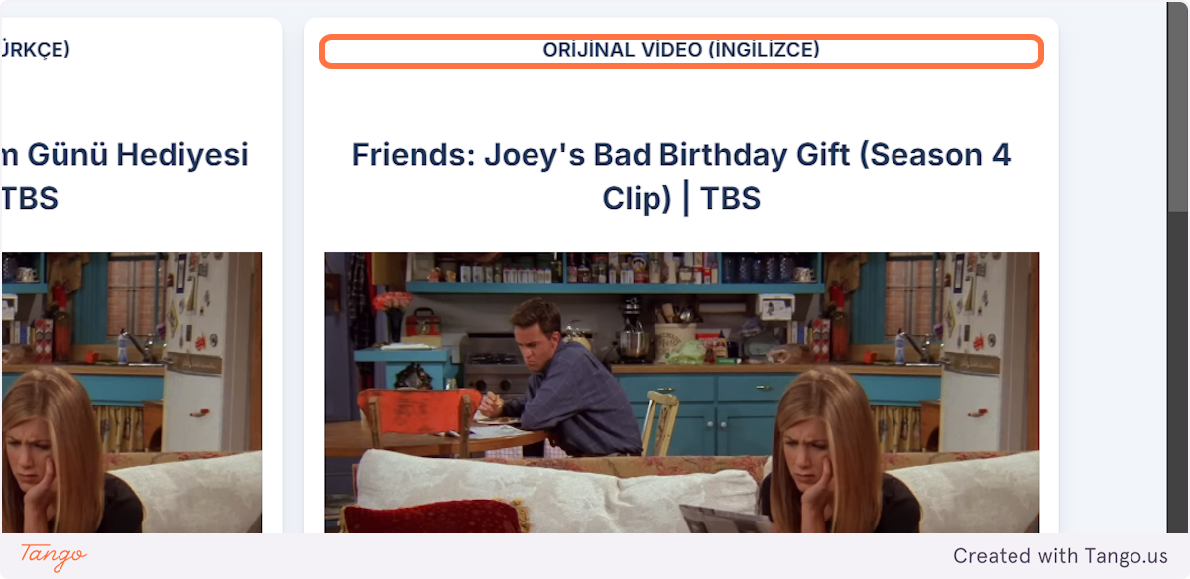
Under the "ORIGINAL VIDEO" heading, you can view your original video.
What You Can Do With the Translated Video
What can you do with your translated video on this page?
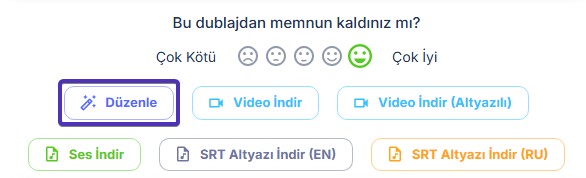
Feedback / Rating
After viewing your dubbing, we'd love to hear your feedback. In this area, you can rate the results and share your satisfaction with us.
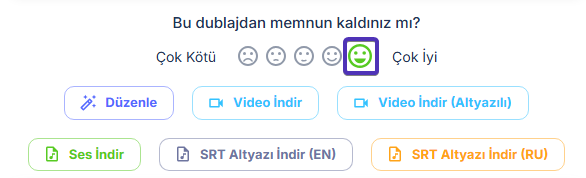
When you rate your dubbing, you help us provide you with a better service experience and help you get better dubbings.
Download Subtitled or Non-Subtitled Dubbing
If you selected the "Generate Subtitled Video" option when creating your dubbing, you can download your subtitled dubbing video by clicking the "Download Video (Subtitled)" button. You can immediately download your non-subtitled dubbing with the "Download Video" button:
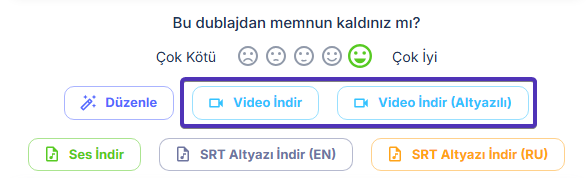
Creating subtitled dubbing in GoodDub does not require extra GoodDub credits. You can add subtitles to your dubbing without any deduction from your credits.
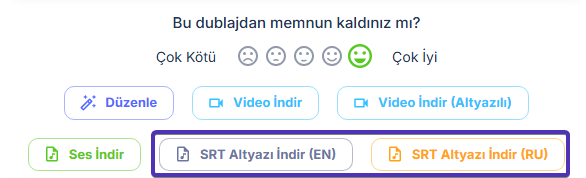
You can also download all "SRT Subtitle" files created for both your original video and your translated video from here:
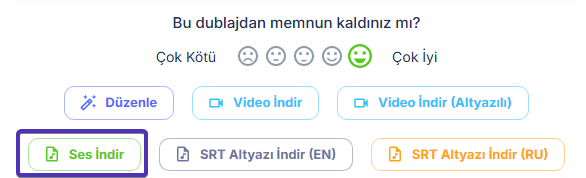
By clicking the "Download Audio" button, you can download the audio file of your translated video:
With the "Edit" button, you can return to the "Watch / Edit Dubbing" page and continue editing your dubbing project.